
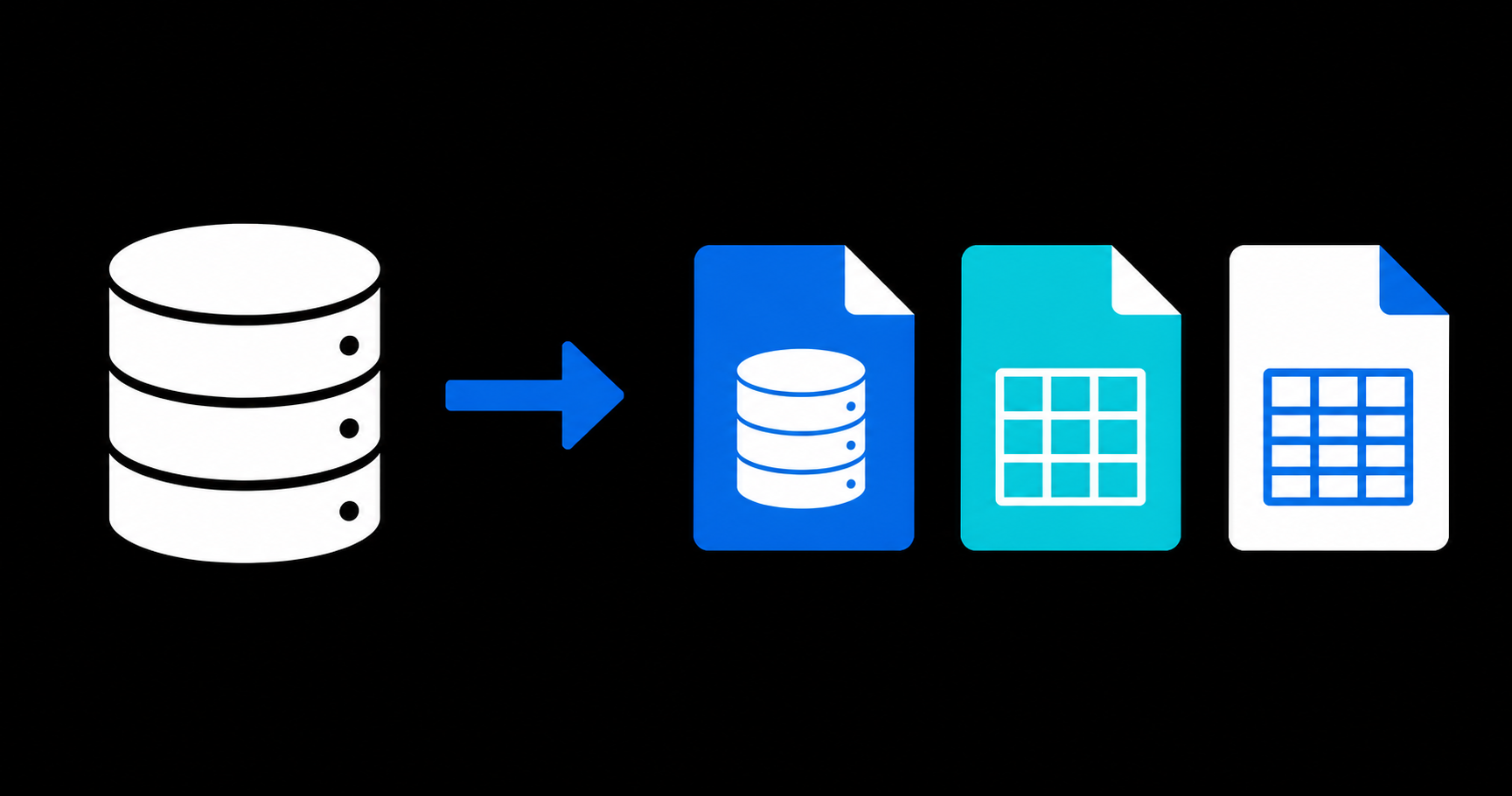
The SQLite Playground on fasttools.dev now offers more ways to move browser-based data into other tools. Besides downloading a complete SQLite copy, you can export tables as CSV or an Excel workbook.
The feature runs entirely in your browser. Choose a database, select a format, and click Download.
Available download formats
SQLite (.sqlite3)
Choose SQLite when you need a complete database copy for another SQLite client, a backup, or a teammate. Its schema, tables, and data remain together in one file.
CSV (.csv or .zip)
For a database with one table, the playground generates a CSV file ready for spreadsheets and import tools.
For databases with multiple tables, the download is a ZIP archive containing one CSV per table. Each file includes its column names in the first row, keeping related datasets separate and imports predictable.
Excel (.xlsx)
Excel produces one .xlsx workbook. Each database table becomes a worksheet, making it easier to review related data, share a quick report, or inspect content without opening a database client.
A simple workflow for test data
Open a ready-made scenario, run or edit queries, and download the complete database in the format that best fits the next step. For example:
- Open an example scenario in SQLite Playground.
- Adjust its data with SQL commands.
- Download CSV for another import tool or Excel for a manual review.
Your data remains in the browser while you use the playground. Exporting only creates the file you choose to download.